Screens and devices that run Cloudy.
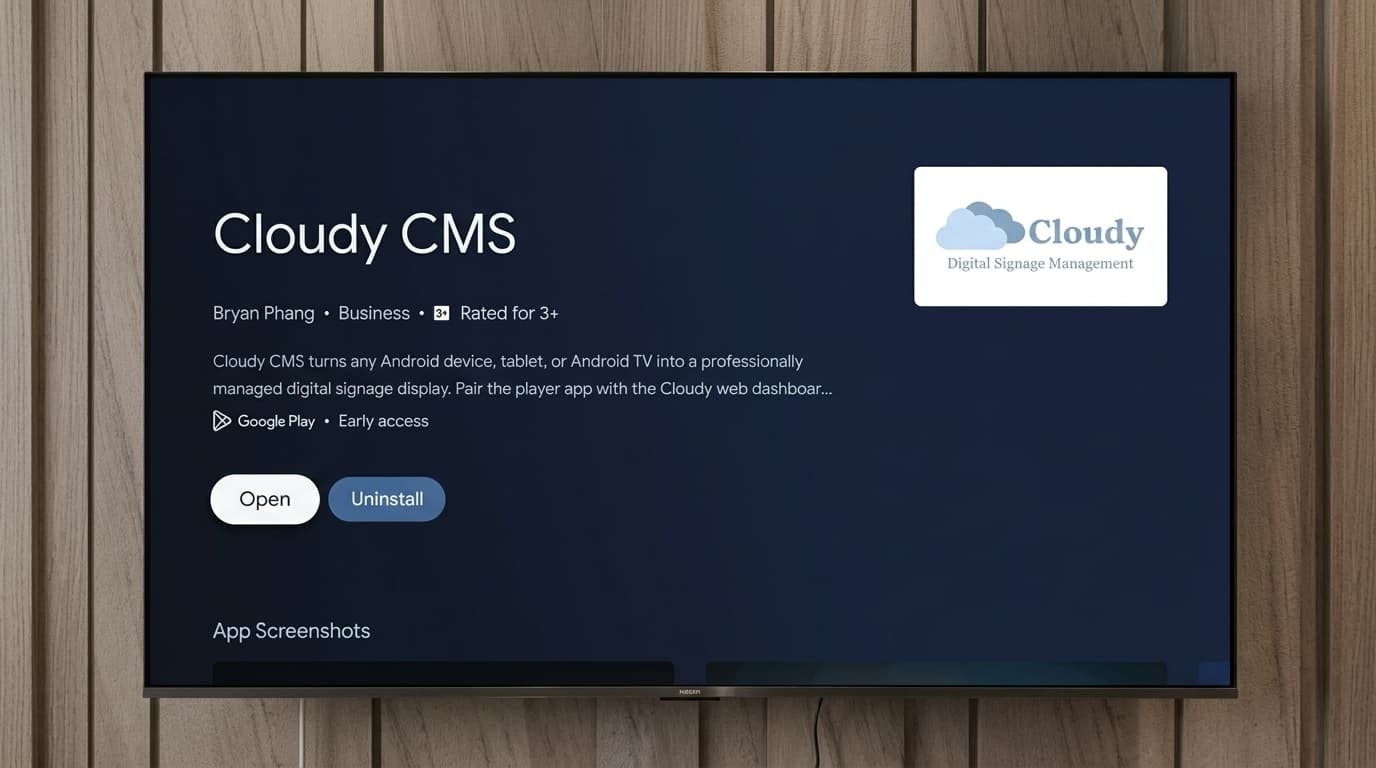
Cloudy runs on hardware you can buy anywhere: Android TV sticks and boxes, Android tablets, and kiosk displays. Here's what works, what we recommend, and what to avoid.
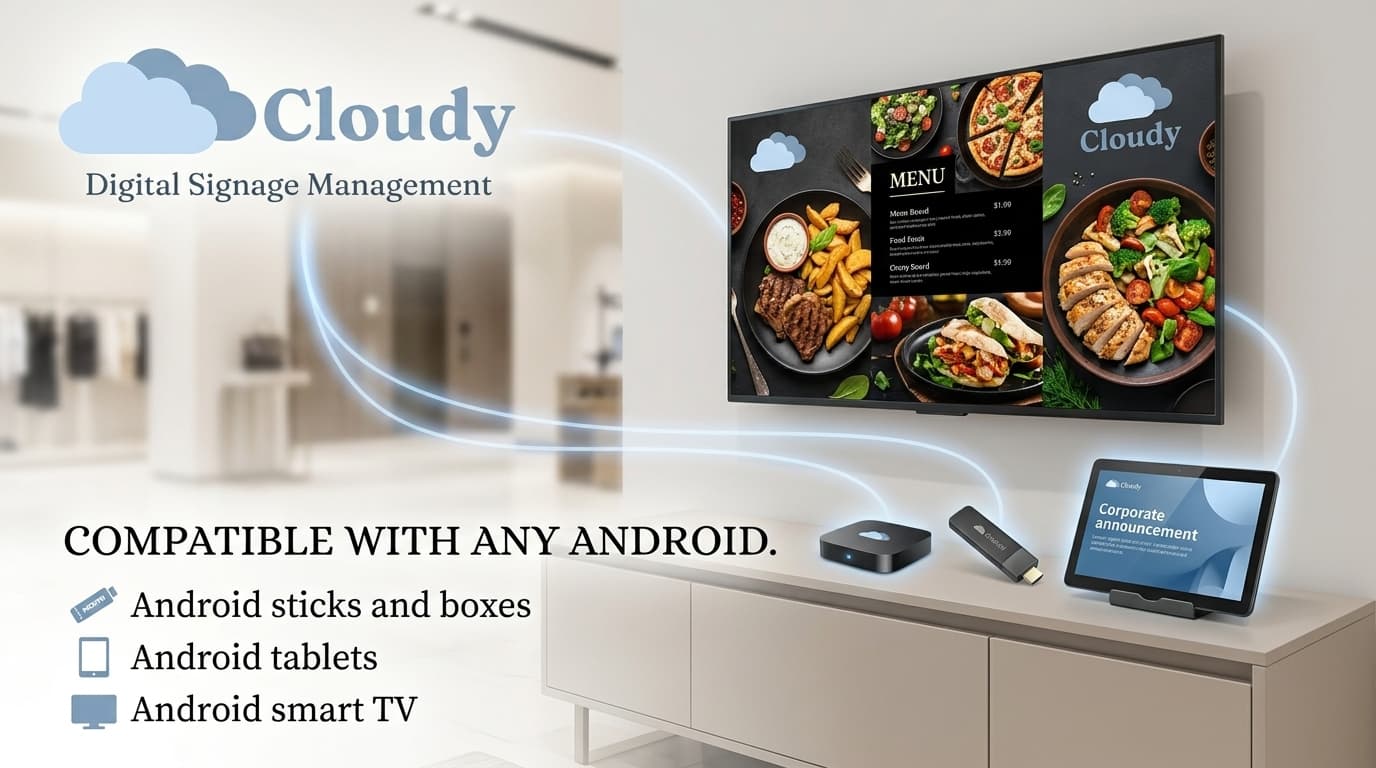
You don't need proprietary signage hardware to run Cloudy. Screens fall into three groups: Android TV sticks and boxes running Android TV 10 or newer (the most common setup), Android tablets on Android 9 or newer, and purpose-built kiosks or touch displays. Each screen links to your dashboard with a 4-digit code and reports its resolution, orientation and live status automatically.
Android TV sticks, boxes and tablets
The primary platform is Android TV 10+, from budget sticks for low-traffic indoor screens to dedicated boxes for production use. Android tablets from Android 9 up work as counter displays and small-format boards. Every device auto-reports its native resolution and orientation on each heartbeat, and portrait or custom rotation is set per device from the dashboard.
- Android TV 10+ sticks and boxes, the primary platform
- Android 9+ tablets for counter and small-format screens
- Portrait and custom rotation set per device
What we recommend
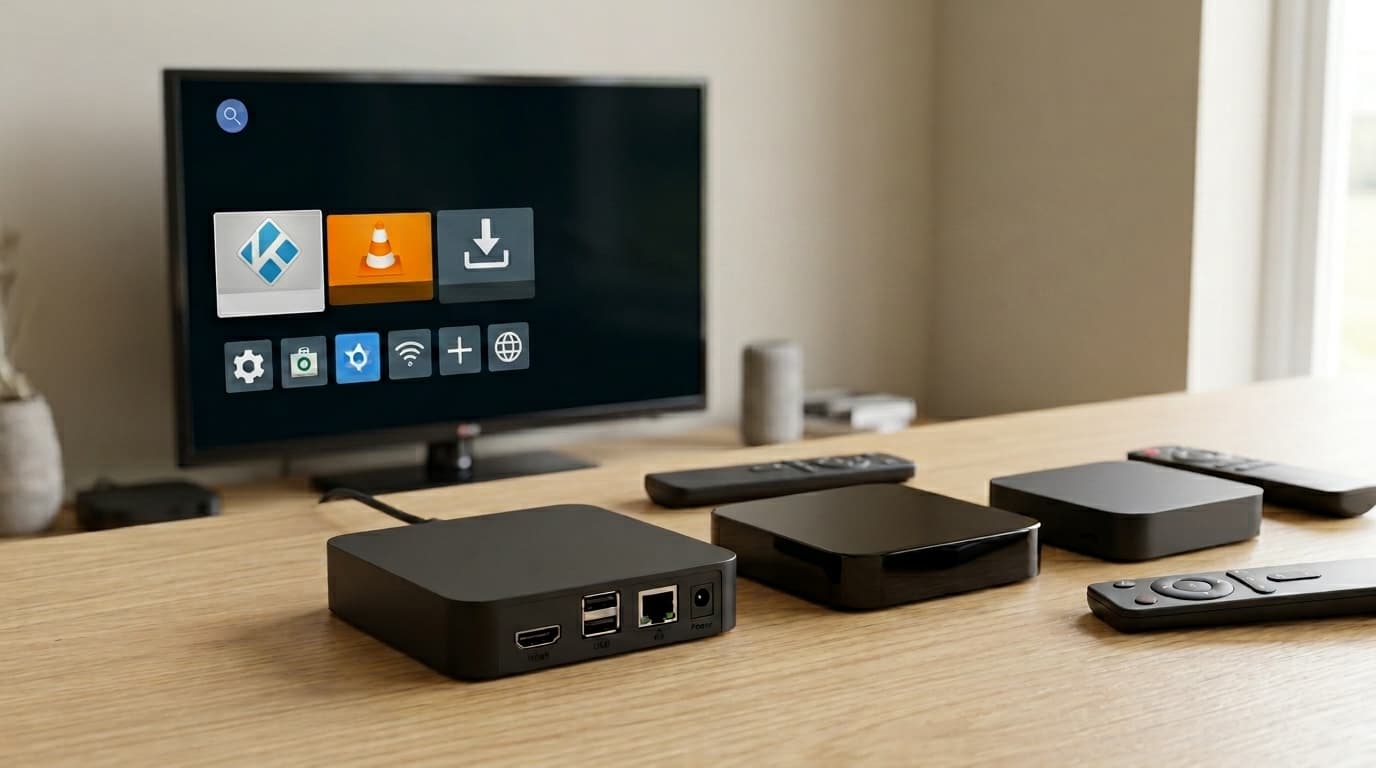
For cheap-and-cheerful indoor screens, Android TV sticks like the Mi TV Stick or Chromecast with Google TV do the job. For production deployments, dedicated boxes like the Mecool KM2 Plus or Minix Neo U22 are more reliable under 24/7 duty. For touch and kiosk setups, ELO interactive displays or Android tablets locked in kiosk mode work well.
- Budget: Mi TV Stick, Chromecast with Google TV
- Production: Mecool KM2 Plus, Minix Neo U22, dedicated signage boxes
- Touch/kiosk: ELO displays, Android tablets in kiosk mode
What to avoid
Two categories cause trouble. Unbranded Android boxes without Google Play Services can't receive push updates, so they fall back to slower polling, still functional, but publishes take longer to arrive. And anything below Android 9 struggles with modern web content: Cloudy's WebView features need a recent Chrome runtime.
- Avoid no-name boxes without Google Play Services
- Avoid devices below Android 9
- iOS and Apple TV are not currently supported
Frequently asked
Can digital signage run on a smart TV?
Yes, on Android TV 10 or newer, install the Cloudy app directly on the TV. For other TVs, plug an inexpensive Android TV stick or box into any HDMI port and it becomes a managed signage screen.
Does Cloudy work on Samsung or LG smart TVs?
Not natively on Tizen (Samsung) or webOS (LG) today. The practical setup is a small Android TV stick or box plugged into the TV's HDMI port, it works on any TV brand.
Does Cloudy support iOS or Apple TV?
No. Cloudy's device app targets Android; iOS is not currently shipped. Plan deployments around Android hardware.
Can screens be mounted vertically?
Yes. Portrait and custom rotations are set per device from the dashboard, common for rate boards, posters and menu panels.
What's the minimum Android version?
Android TV 10+ for sticks and boxes, Android 9+ for tablets. Older devices struggle with the modern Chrome runtime Cloudy's web features need.