A digital signage CMS for every screen you run.
Upload once, build playlists, schedule what plays, publish in real time and monitor every screen, all from one cloud dashboard.
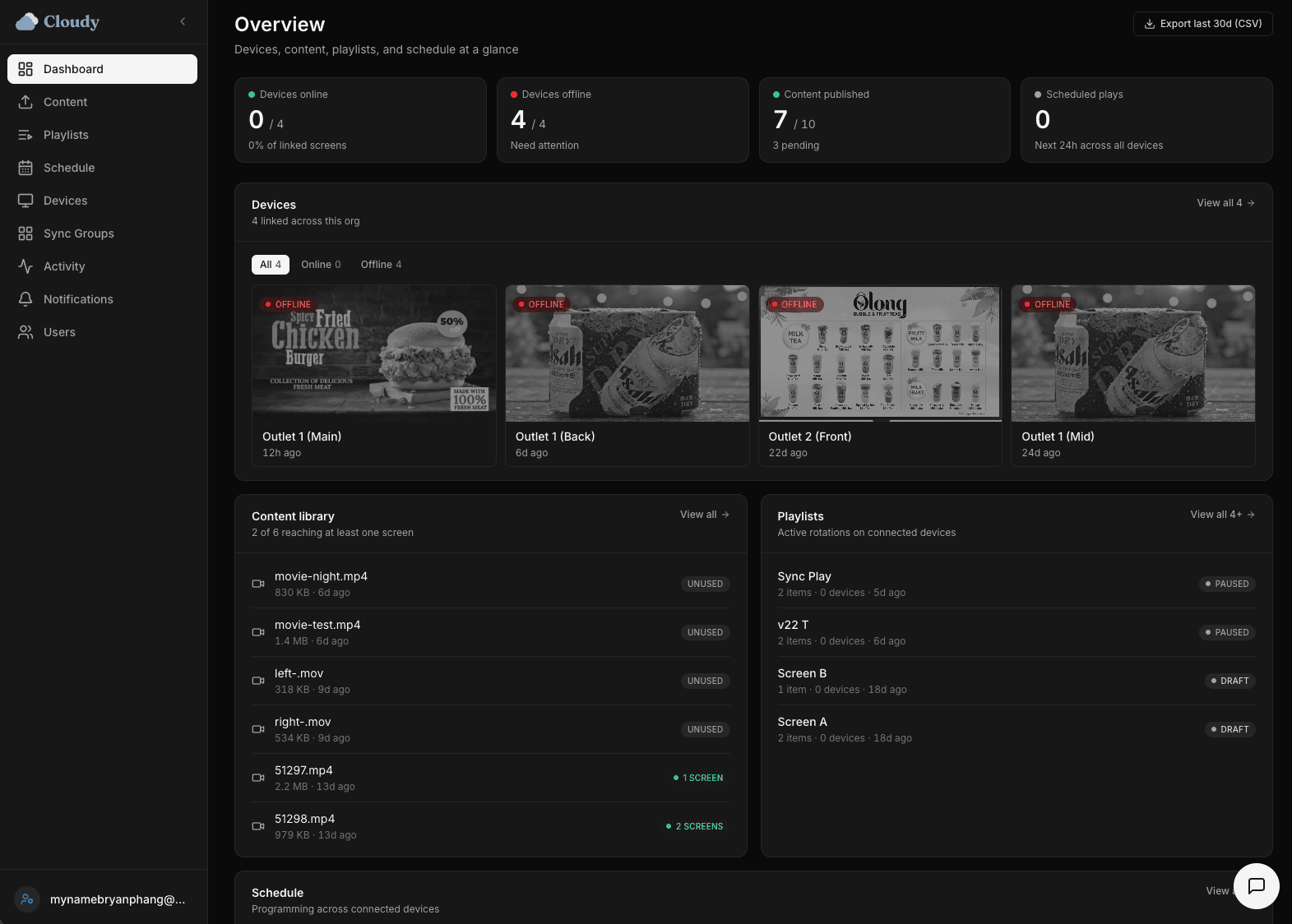
Cloudy is a cloud-based digital signage CMS (content management system) for businesses running one screen or a thousand. Manage your media, playlists, schedules and devices in one place, and push changes to any screen in seconds.
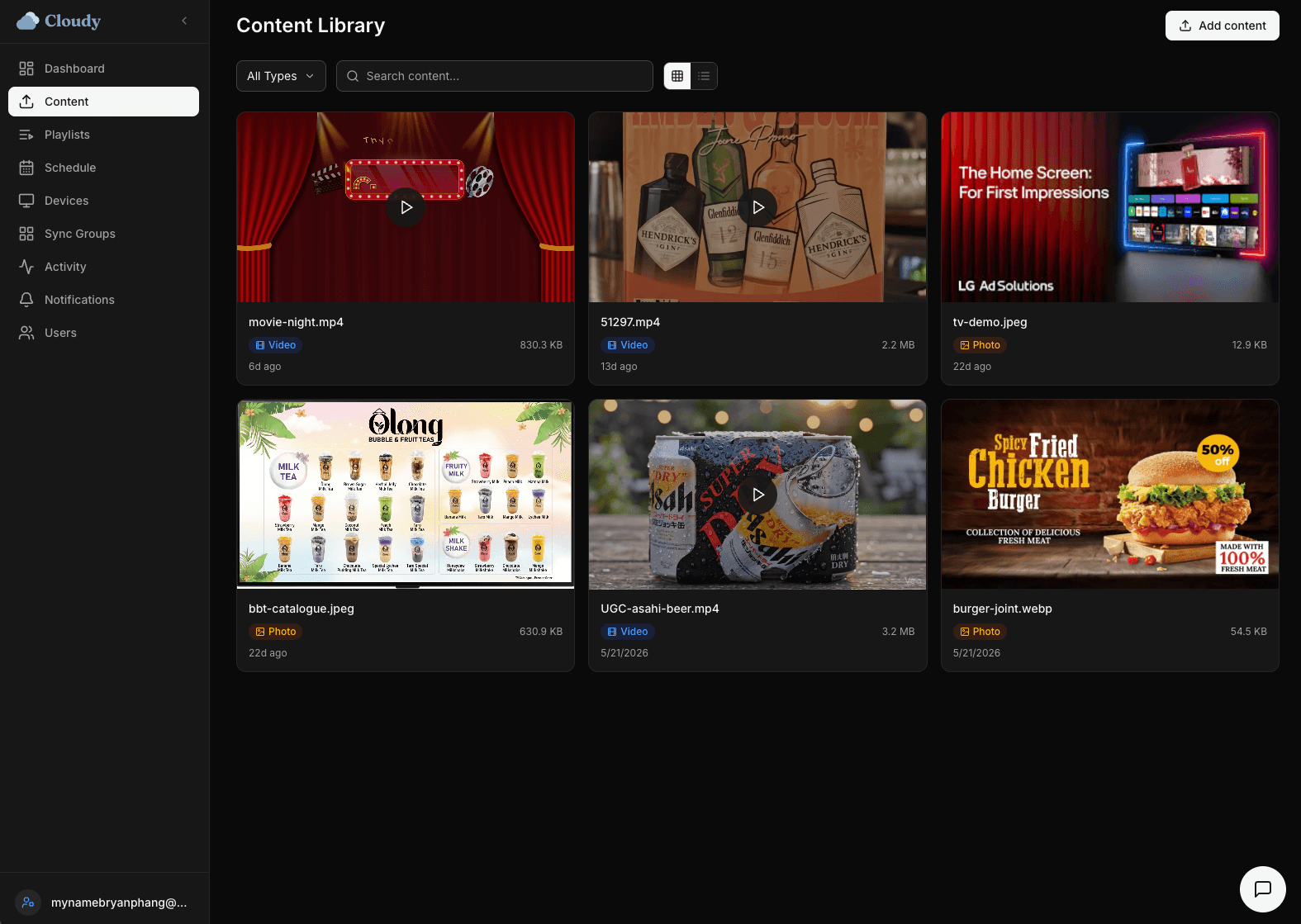
One content library, reused everywhere
Upload videos and images once, then search, filter and reuse them across every screen and playlist. No more hunting for the latest file.
- Central media library for all content
- Reuse assets across screens and playlists
- Upload from anywhere, anytime
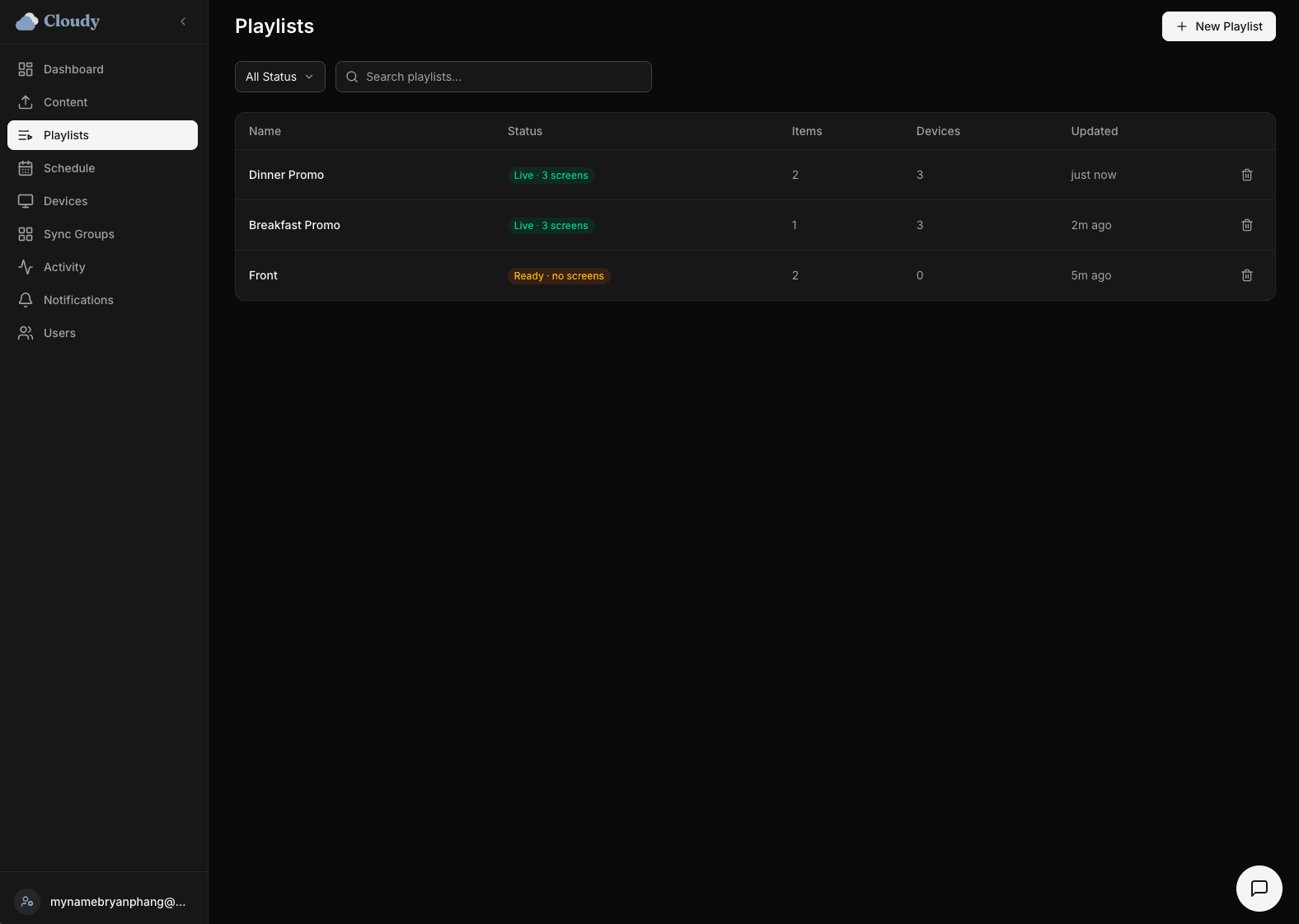
Playlists and scheduling, built in
Assemble content into playlists and decide exactly what plays, when and where. Schedule by day, time or location and let it run.
- Build and publish playlists to chosen screens
- Schedule by day, time or location
- Recurring content runs itself
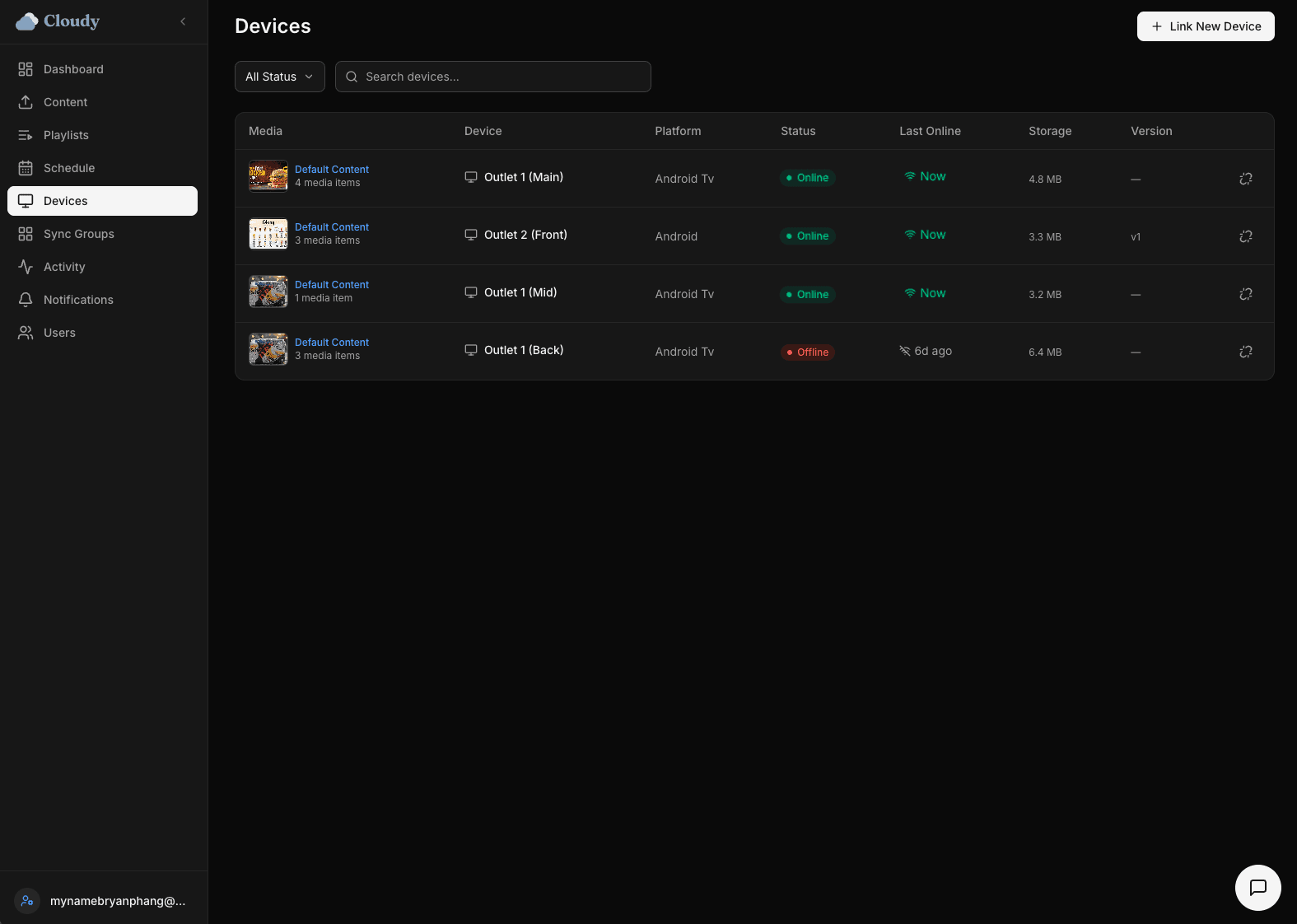
Publish in real time, monitor every screen
Hit publish and screens update in seconds. See which displays are online, playing or offline, and know your content is live without visiting the site.
- Real-time publishing across all screens
- Live status: online, playing, offline
- Screens keep playing offline from cache
Frequently asked
What is a digital signage CMS?
A digital signage CMS is the software you use to manage what plays on your screens, media, playlists, schedules and publishing, from one dashboard. Cloudy is a cloud-based CMS, so you manage everything from anywhere.
How many screens can Cloudy manage?
From a single display to a large fleet. Every screen is managed from the same dashboard, and updates reach the screens you choose in seconds.
Do screens keep working offline?
Yes. Each screen plays from a local cache, so a network drop won't leave it blank. It resyncs automatically when the connection returns.
What screens does the CMS support?
Any smart TV or display. Install the Cloudy app, or use our plug-and-play device, and link it with a 4-digit code.